

I was sent a box of Seattle FilmWorks floppy disks the other day. My client had tried reading these in a standard USB drive, but windows was having a difficult time reading the disks. The first thing that I did was image the disks using Dave Dunfield’s imagedisk. It turns out that all the disks had many read errors and this is probably why my client could not read them using a USB floppy drive. USB floppy drives just don’t handle errors very well it seems.
I was able to read all of the disks and recover over 200 images for the client. Imagedisk allows you to set the read attempts of a bad sectors to a very high number. I set this to 85 and the software was able to create a good image of each disk. On some occasions it tried to read the bad sectors as many as 18 times before it reported a successfully read.
Once I had imaged the disks, I converted the disk images to binary disk image files (IMG File). The great thing about DOS IMG files is that they can easily be read on a modern computer using 7-zip. 7-zip treats the IMG file like any other compressed file, like a zip file.
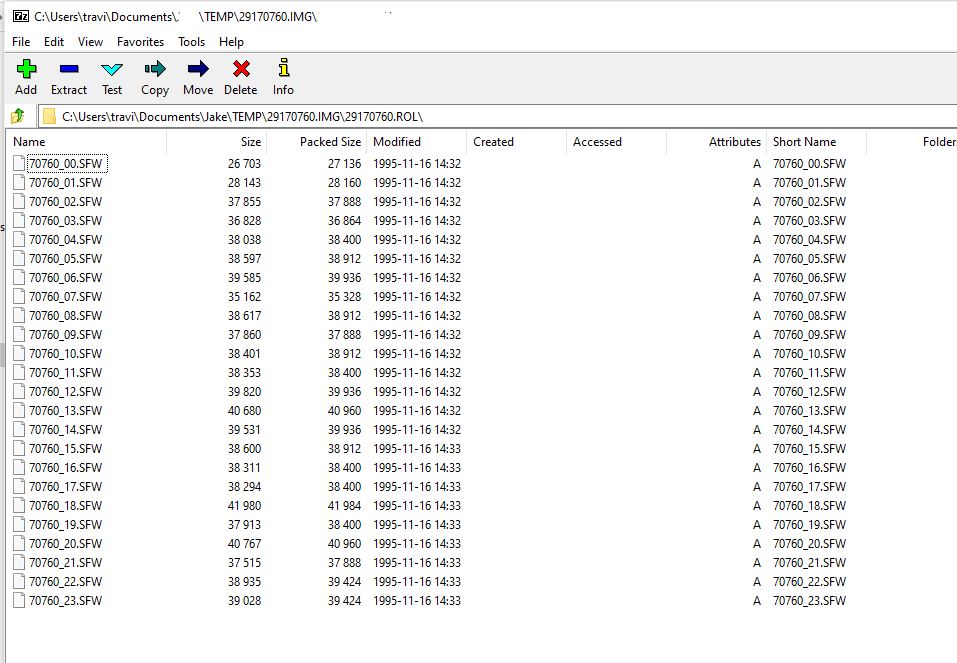
As you can see, the image files are in a SFW format. Luckily for everyone, IrfanView can easily view SFW files and convert them to other formats.
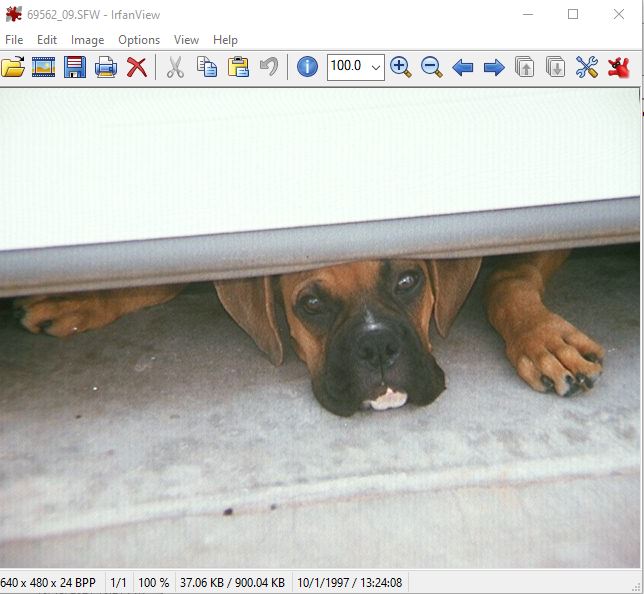
These disks are pretty easy to work with and can easily be saved, converted and accessed.